 English
 Bengali
87BD Android App — Direct APK, 22.5 MB, Android 5.0+
Why we support phones from 2014, why we don't have iOS, why it's not on Play Store
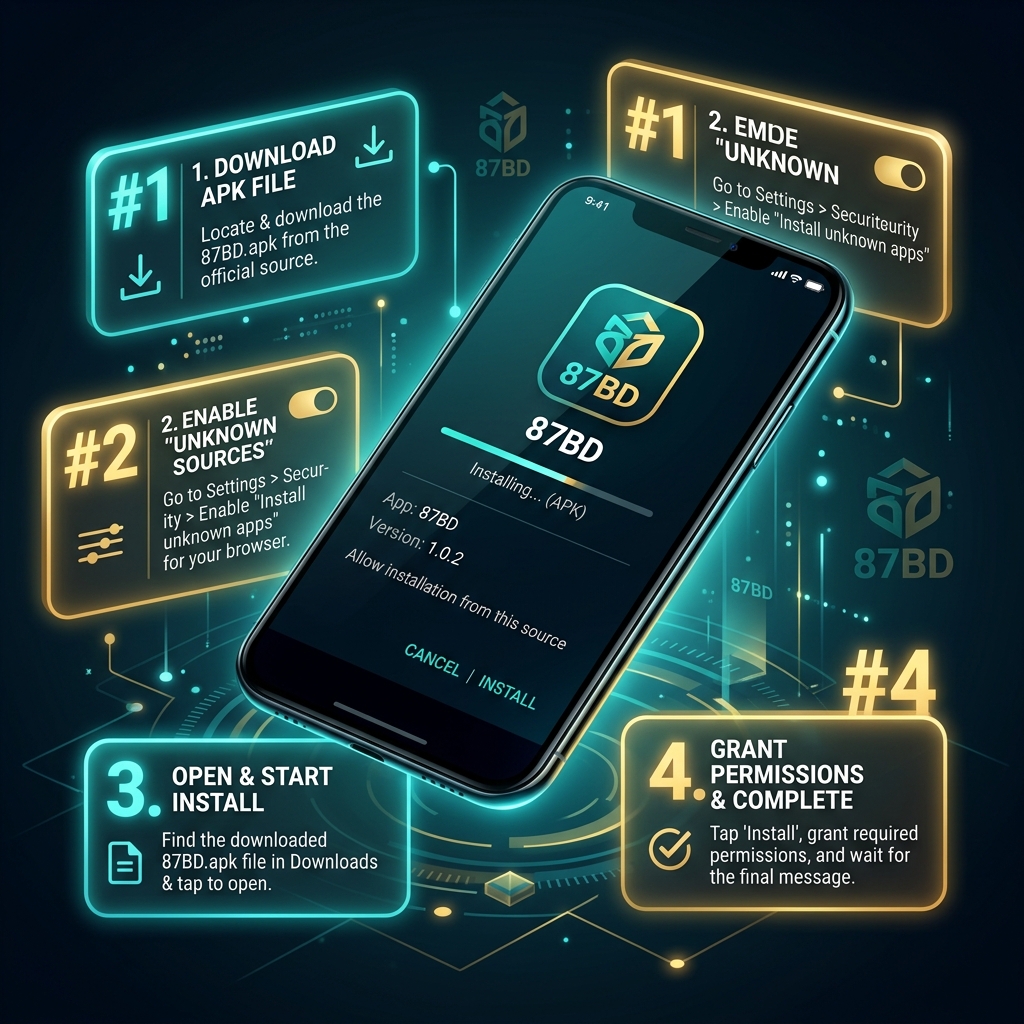
The 87BD Android app is distributed as a direct APK download from 87-bd.org/f999.apk.
It's not on Google Play because Play Store doesn't list real-money gambling apps in Bangladesh. Every licensed casino targeting Bangladesh uses direct APK — this isn't a 87BD-specific situation.
The file is ~22.5 MB and runs on Android 5.0 (Lollipop, 2014) or newer. That's a deliberately low minimum — most casino apps require Android 7.0+. Android replacement cycles in Bangladesh tend to be longer than in wealthy markets, and we'd rather you have access on an old phone than be locked out.
For iPhone users: there's no iOS app. Reasons explained below. Use the mobile site at 87-bd.org in Safari or Chrome — it runs the full game library.
What your device needs
Honest minimums
| Requirement | Minimum | Recommended |
|---|---|---|
| OS | Android 5.0 (Lollipop, 2014) | Android 8.0 (Oreo) or newer |
| Storage | 100 MB free | 500 MB free (cache grows over time) |
| RAM | 2 GB | 3 GB or more |
| Connection | 3G stable | 4G or Wi-Fi |
| Live dealer streaming | 1 Mbps stable down | 3 Mbps stable down |
Why Android 5.0 specifically
Most casino apps cut off at Android 7.0 because that's where modern crypto libraries start being native. We support 5.0 because we've added compatibility libraries that handle older Android securely.
Cost to us: extra 4 MB in the APK for compatibility code.
Benefit to you: works on phones still in active use in Bangladesh that newer apps reject.
Five steps, three minutes
Plus what Android will warn you about
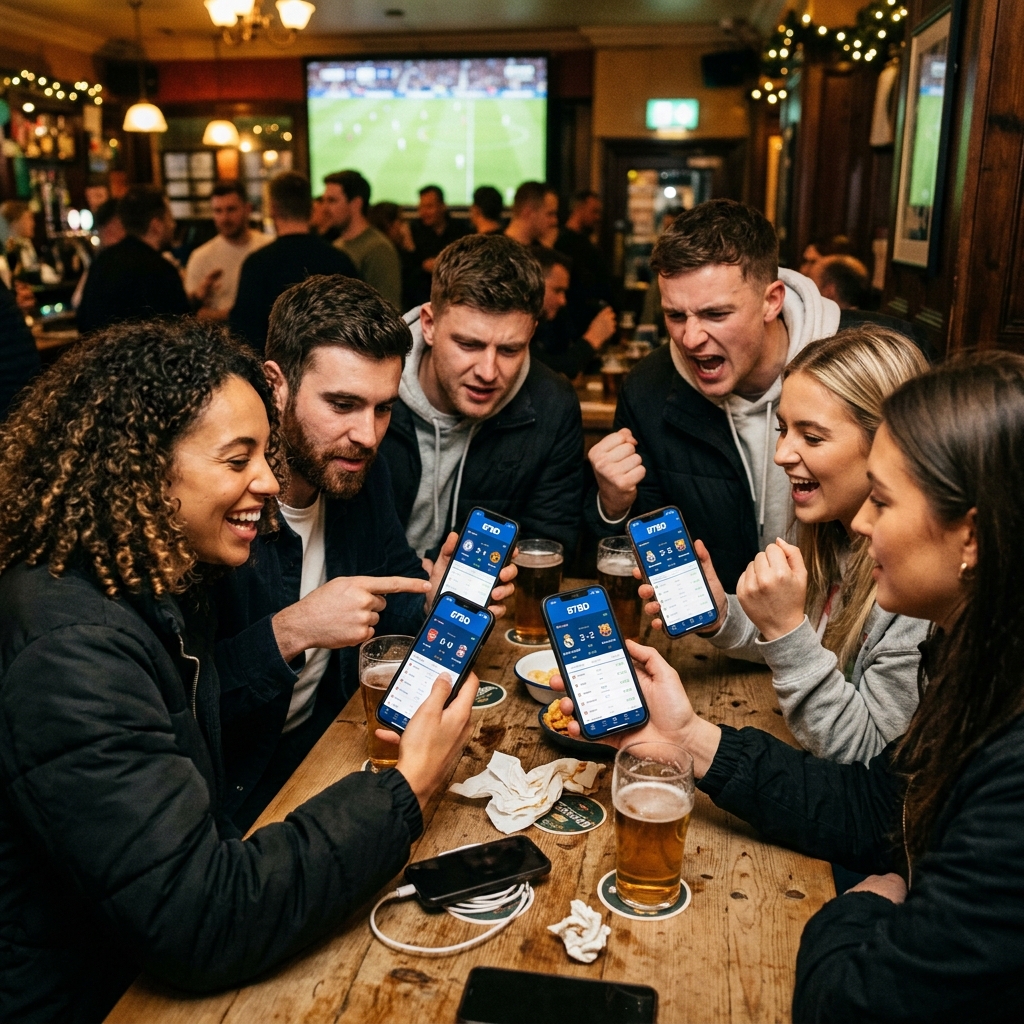
Step 1 — Download the APK
Tap Download APK on this page (or anywhere on 87-bd.org). The file downloads to your phone's Downloads folder.
Your browser may show a security warning — this is standard for APKs not from Play Store. Confirm the download.
Step 2 — Enable "Install from unknown sources"
Android blocks installs from outside Play Store by default.
Android 8.0+ behavior: when you tap the APK to install, Android prompts you to allow your browser (Chrome, Samsung Browser, etc.) to install apps. Tap settings, toggle "Allow from this source" on.
Older Android: go to Settings → Security → Allow Unknown Sources, toggle on.
You can disable this again after installing — it's a per-app permission.
Step 3 — Install
Tap the APK file in your Downloads folder or notification bar.
Android shows the permissions list. Review them (see Section 5). Tap Install.
Installation takes 10–30 seconds depending on device.
Step 4 — First launch
Open the app. First launch downloads game asset cache (50–80 MB).
This is one-time. Subsequent launches are instant.
Step 5 — Log in
Use your 87BD username and password. Same credentials as web.
Account state — balance, bonus status, KYC, game history — is server-side. Identical experience across web, mobile site and app.
When to use which
Honest comparison
Use the app if:
- You play 30+ minutes per session — faster navigation matters
- You play live dealer often — streaming is more stable
- You want push notifications for bonuses and match alerts
- You use 87BD multiple times per week — one-tap launch
- You're on a slower device — app is more optimized than browser
Use the mobile site if:
- You're on iPhone — no iOS app exists
- You play occasionally — don't want another app installed
- Your phone storage is tight
- You're on a temporary device you'll lose access to
- Your workplace/home has rules about installed apps
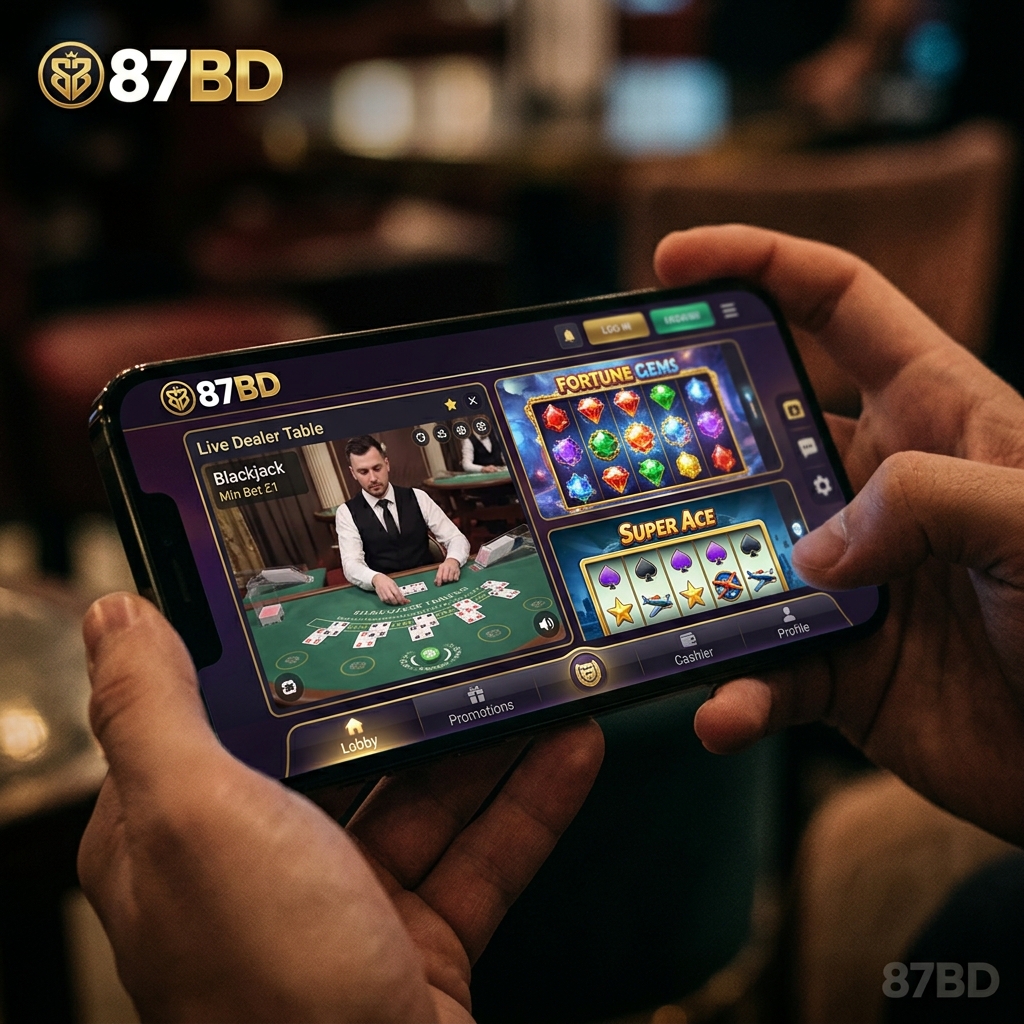
Why no iOS app
Honest explanation
iOS gambling app distribution requires one of two things:
What we recommend for iPhone users:
- Use the mobile site at 87-bd.org. Safari and Chrome both work. All 600+ games run fine.
- Save 87-bd.org to home screen — gives you a one-tap launch icon that looks like an app (Safari → share → "Add to Home Screen").
- Use full-screen mode — the mobile site supports "Display in full screen" PWA mode on iOS 15+.
Common install and run issues
Five things to try before contacting support
🛠 Can't install — package conflicts with existing app
You probably have an older version installed. Uninstall it first, then install the new APK. Your account data is server-side and won't be affected.
🛠 App downloads but won't open
Check Android version (Settings → About → Android version). Must be 5.0 or newer. If it's older, the mobile site is your option.
🛠 First launch crashes
Free up storage. Live game asset cache needs 100+ MB free. If your phone is near full, the first launch can fail trying to download cache files.
🛠 Antivirus flagged the APK
Some Android antivirus apps flag any non-Play-Store APK as "potentially unwanted" by default. This is a category flag, not specific malware detection. Whitelist the installer, or check with your antivirus support for their exception process.
🛠 App is much slower than mobile site
Restart the app once. Check if it's downloading updates — first-run after an update can be slow. If still slow after restart, your phone may be near RAM limits. Close other apps in the background.

